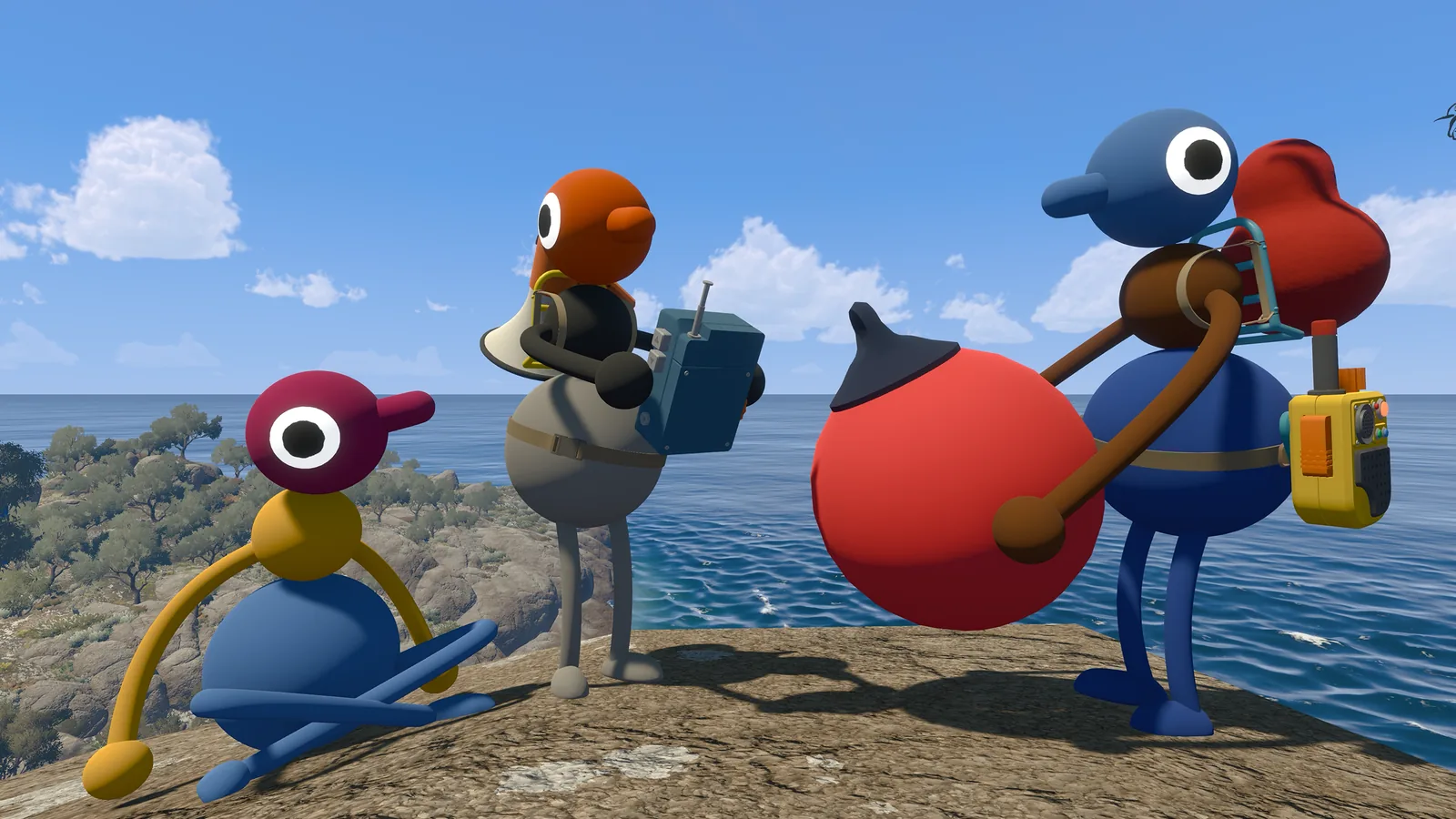
Big Walk system requirements at a glance
The phrase “Big Walk system requirements” can mean two different checks: whether a computer meets the store listing, and whether the game is available on a particular platform. Keep them separate. Steam publishes minimum PC and Mac fields; the developer FAQ lists the supported platform families but does not publish a console CPU or GPU table.
The data below was checked against the Steam app page for Big Walk (app 1478500) and the official FAQ on November 7, 2026. Hardware facts are quoted or lightly normalized from those sources. The practical interpretation, such as leaving headroom for background apps, is editorial guidance.
| Platform | Published minimum | How to use it |
|---|---|---|
| Windows PC | 64-bit Windows 10; i7-7700K or Ryzen 5 1600X; 12 GB RAM; GTX 750 Ti 2 GB, Radeon R7 370 2 GB or Intel Arc A380 6 GB. | Compare every listed component. The graphics line is a minimum reference, not a recommended preset. |
| Mac | macOS 15; Apple Silicon M1 or newer; 16 GB RAM. | Check the chip family and memory before assuming that any Mac that opens Steam can run the game. |
| PlayStation 5 | Supported platform in the official FAQ; no public PC-style hardware table. | Use the console store and current system update status rather than translating PC parts into console claims. |
| Nintendo Switch 2 | Supported platform in the official FAQ; no public PC-style hardware table. | Check the current console store listing. Do not treat Switch 2 support as proof of a Windows GPU equivalent. |
Windows minimum requirements
If you are checking Big Walk PC requirements, use the complete minimum row rather than matching only the graphics card. The Steam listing requires a 64-bit operating system and names Windows 10. It also lists a relatively specific processor and memory floor, so a machine with a newer GPU can still fall short on CPU or RAM.
| Component | Official minimum | Practical check |
|---|---|---|
| Operating system | Windows 10, 64-bit processor and operating system | Confirm the installed edition is 64-bit. A 32-bit Windows install does not meet the stated requirement. |
| Processor | Intel Core i7-7700K or AMD Ryzen 5 1600X | Compare the exact model in Windows Settings or Task Manager; “i7” alone is not enough. |
| Memory | 12 GB RAM | Leave room for voice chat, a browser and background tools. The listing does not publish a recommended RAM number. |
| Graphics | NVIDIA GTX 750 Ti 2 GB, AMD Radeon R7 370 2 GB or Intel Arc A380 6 GB | Check the dedicated GPU model and memory. Do not use integrated graphics as an assumed equivalent. |
These fields answer “will the store consider my PC compatible?” They do not tell you the expected resolution, frame rate, quality preset or how a laptop will behave on battery power. Those details are not published in the official listing checked for this guide.
Mac minimum requirements
The Mac row is shorter but stricter in a different way: Big Walk lists macOS 15, an Apple Silicon M1 processor or newer and 16 GB memory. The requirement names Apple Silicon, so do not assume an Intel Mac is covered simply because it runs a recent macOS release.
| Mac check | Official minimum | What to verify |
|---|---|---|
| System | macOS 15 | Open About This Mac and compare the installed macOS version. |
| Chip | Apple Silicon M1 or newer | Confirm the chip says Apple M1, M2, M3, M4 or a later Apple Silicon family. |
| Memory | 16 GB RAM | Check total memory, not free memory at one moment. The store lists 16 GB as the minimum. |
Can my current PC run Big Walk?
Use this order before buying or scheduling a long session. It avoids the common mistake of checking the GPU while overlooking the operating system, processor or memory.
- Check the operating system firstOn Windows, confirm a 64-bit Windows 10 installation. On Mac, confirm macOS 15 and Apple Silicon.
- Record the exact CPU modelWrite down the full Intel or AMD model, not just the family label. Compare it with the i7-7700K or Ryzen 5 1600X minimum.
- Check installed RAMWindows needs 12 GB in the published minimum; Mac needs 16 GB. Close background apps only after confirming the hardware amount.
- Check the discrete GPU on WindowsCompare the exact NVIDIA, AMD or Intel Arc model. A laptop name or “gaming” label is not a specification.
- Plan a test session with your partyAfter the store or platform check passes, start a short session before committing to a long route. Use the crossplay guide and co-op planner for joining and regrouping.
Meeting the minimum is a compatibility signal, not a guaranteed smooth experience. If your system is close to the floor, update the operating system and graphics driver through the normal vendor channel, close unnecessary apps and test the game in the environment where you actually play. Do not convert that advice into an invented “recommended” specification.
Console support and the crossplay boundary
The official FAQ lists Windows and Mac through Steam or the Mac App Store, PlayStation 5 and Nintendo Switch 2. It also says different systems can play together. That is useful for a mixed party, but it does not create a single universal hardware table.
Use the Big Walk crossplay guide for platform joining, Join Code and host checks. Use this page when the question is whether a computer meets the published minimum. The gameplay overview explains why the game is built for cooperative sessions; the co-op planner stores a local route checklist after the hardware check is complete.
What the official data does not promise
| Question | What can be said safely | What this guide does not claim |
|---|---|---|
| Recommended specs | The store publishes minimum fields. | No invented recommended CPU, GPU, resolution or FPS target. |
| Console hardware | PS5 and Switch 2 are listed as supported platforms. | No PC-part equivalent or console benchmark is inferred. |
| Updates | Re-check the official store and FAQ when the game changes. | No claim that these fields can never change. |
| Download safety | Use the official store or platform listing for purchase and install. | This guide does not provide a third-party download link or scan claim. |
Common questions
Big Walk system requirements FAQ
Sources checked for this guide
Hardware fields were checked on November 7, 2026. The Steam page supplies the Windows and Mac minimum rows; the developer FAQ supplies platform and crossplay facts. The practical checklist is editorial guidance.