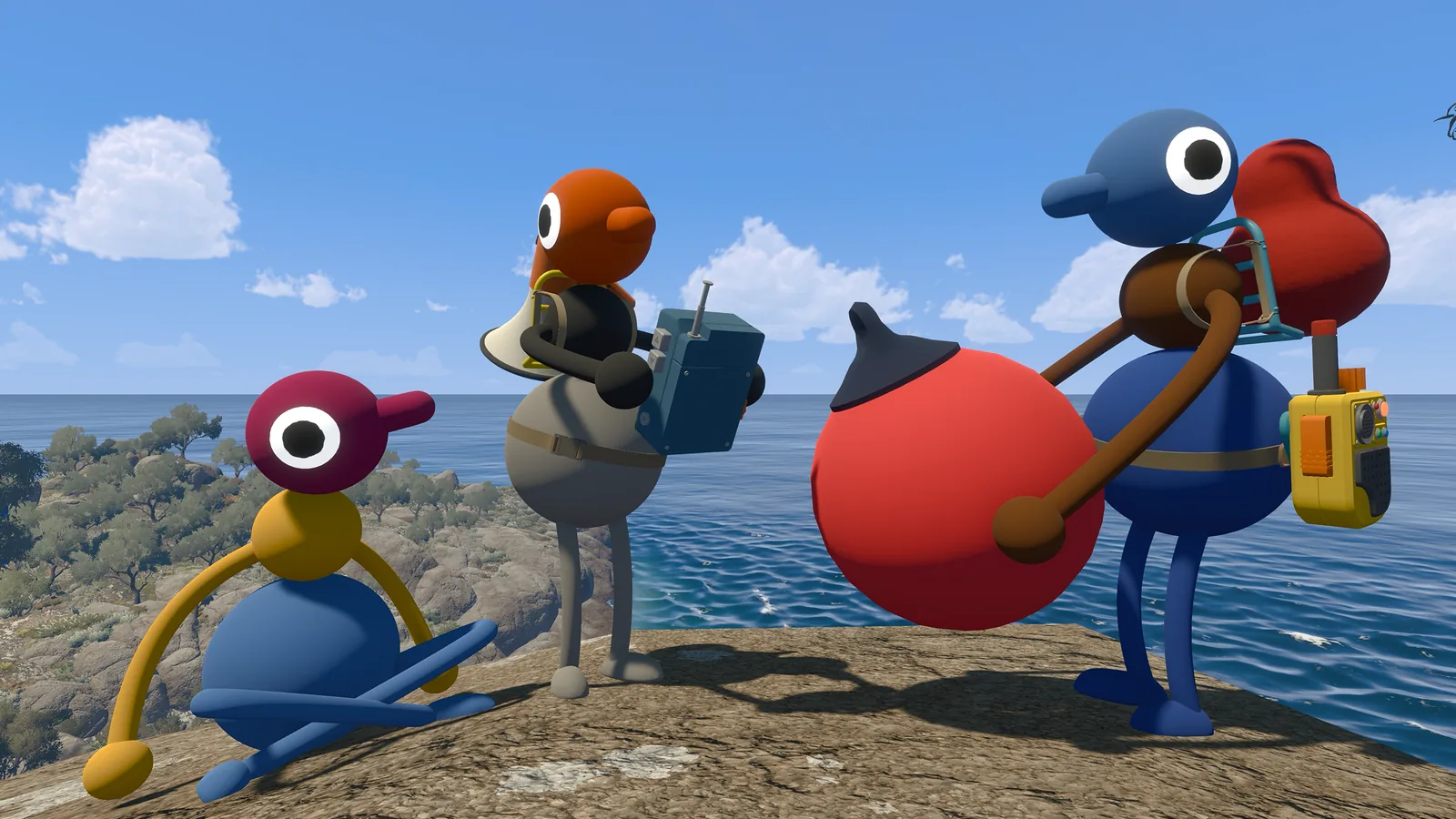
Big Walk is crossplay, but the join path depends on the platform
The useful distinction is between crossplay and platform friends. Crossplay answers whether different systems can share a session: the official answer is yes. The friend-list menu is a separate layer, and its behavior depends on where the host and joining player bought the game.
A host starts the session and keeps the save. Once the host is running, friends can join from the active games list when the platform relationship supports it, or they can use the short Join Code generated for that session. The Join Code is the most portable option for a party spread across PC and consoles.
The official FAQ also says Big Walk is designed for people who are physically separate and communicating through in-game voice chat. Crossplay therefore fits the game's intended online co-op model; it does not mean two people should share one screen or that a local split-screen mode is available.
Treat platform support as a current fact to re-check when the game or store pages change. This guide records the official FAQ checked on September 24, 2026 and separates those facts from the practical troubleshooting order below.
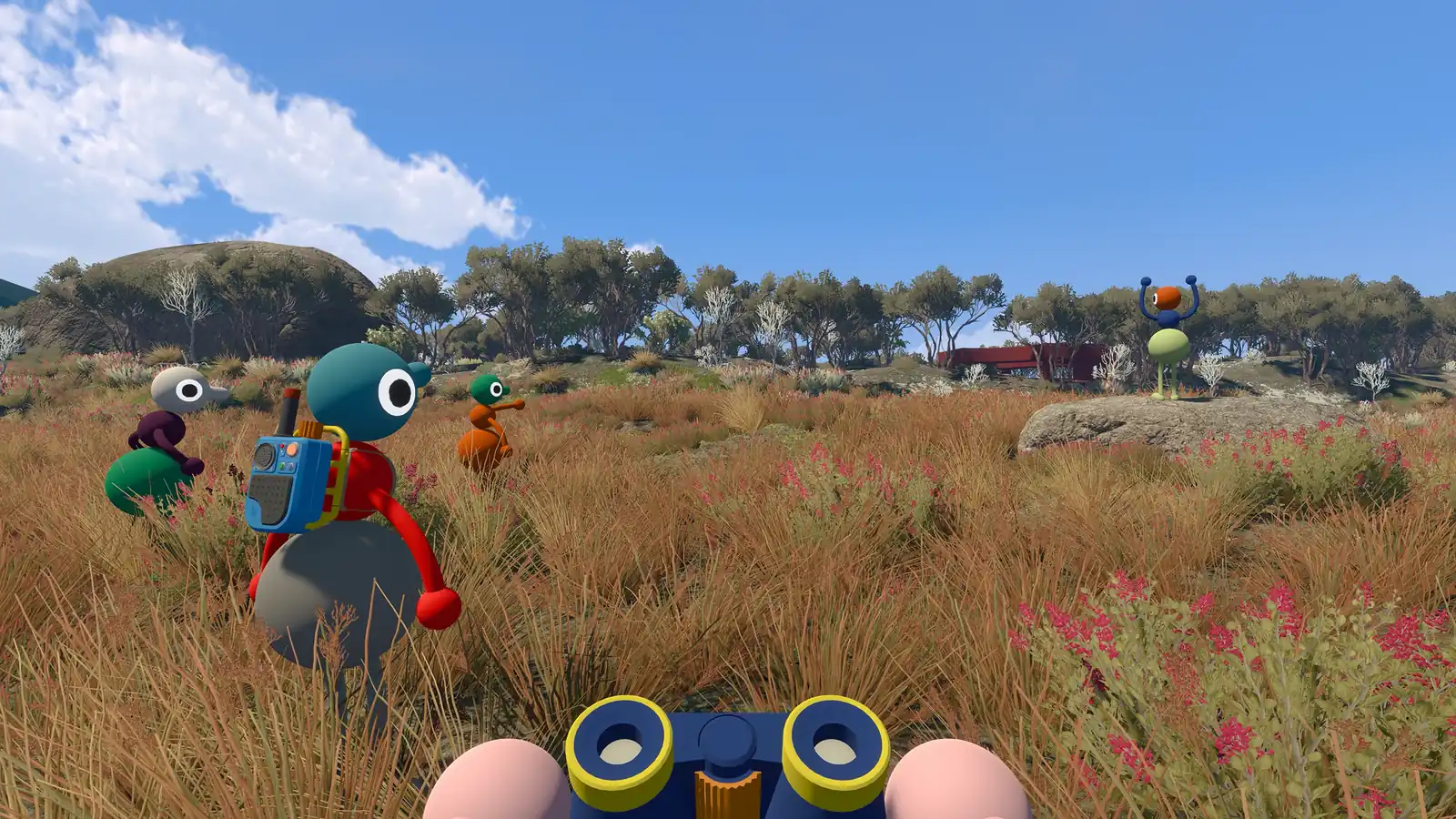
Which platforms can play Big Walk together?
The official site currently lists four access routes. Crossplay connects the systems, while the purchase channel changes how a friend session is discovered.
| Platform or store | What the official source says | Practical join note |
|---|---|---|
| Windows · Steam | Supported; included in the official platform list. | Use the platform friends list when the host appears, or enter the host's Join Code. |
| Mac · Mac App Store | Supported; listed separately from Steam. | The official FAQ says this version does not support Game Center, so use a Join Code when the friend list cannot show the host. |
| PlayStation 5 | Supported; included in the official platform list. | Add the friend on the service when useful, but keep the Join Code as the cross-system fallback. |
| Nintendo Switch 2 | Supported; included in the official platform list. | Use the same host-first flow and confirm the code in the game's join screen. |
How to join a cross-platform Big Walk session
Use this order when one player is on PC and another is on a console. It keeps the host, the session and the code unambiguous.
- Choose one hostThe host owns the save and should start the session first. Agree on the host before anyone searches for a friend game.
- Confirm everyone is on a supported platformCheck Steam or the Mac App Store on computer, or PlayStation 5 and Nintendo Switch 2 on console. Do not infer support from a different store listing.
- Try the platform friend listIf the players are friends on the relevant platform service, the host session may appear in the active friend games list described by the official FAQ.
- Switch to the Join CodeIf the friend list does not cross the platform boundary, have the host copy the short code created when the session starts and share it through your normal chat.
- Regroup before walkingAfter everyone loads in, name one landmark and confirm who is host. The co-op planner can hold the first return point while the group tests voice chat.
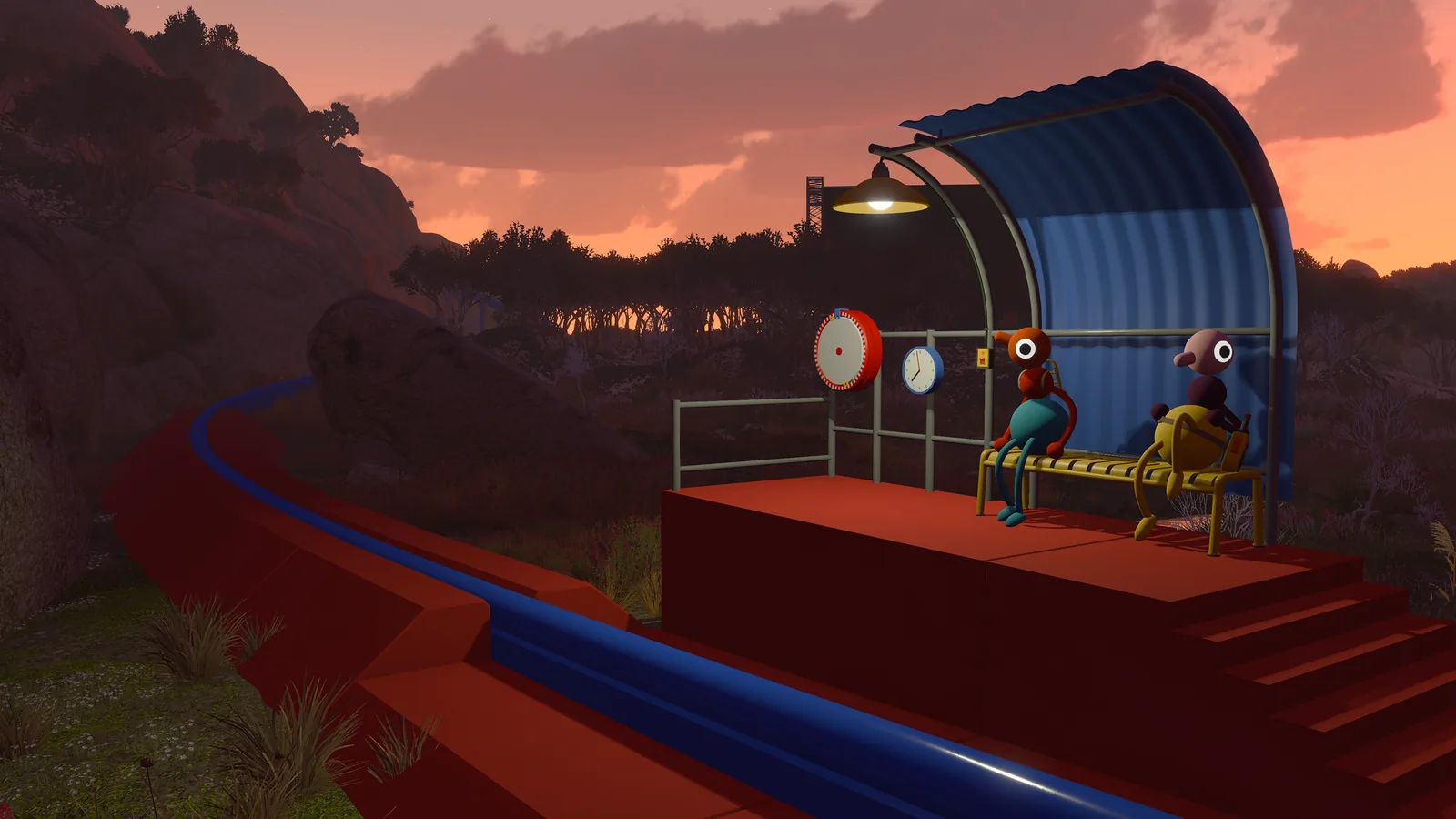
Before you troubleshoot crossplay
Most failed joins are a mismatched assumption about the host, store version or code. Check these small facts in order.
| Check | Why it matters | What to record |
|---|---|---|
| Host started the session | The host is the keeper of the save and other players connect after the session is live. | Host name and the time the session started. |
| Exact store or console | Mac App Store has a friend-list caveat, and store labels are not interchangeable. | Steam, Mac App Store, PS5 or Switch 2. |
| Fresh Join Code | The official FAQ says a new code is generated each time the host starts a session. | The newest code, not yesterday's chat message. |
| Voice chat and version | Crossplay is online co-op; communication and a matching current build matter more than the route clue. | Voice test result and any update prompt. |
| Party size | The host chooses a 2-player, 3-player or 4+ player world, with a maximum of 12 players. | The world setup selected before the group compares puzzle notes. |
Common Big Walk crossplay problems
Use the symptom to choose the next check. These are practical diagnostics, not extra official platform promises.
The friend does not appear in the active games list
Confirm that the host is already in the session, then use the Join Code. This is especially important for the Mac App Store version because the official FAQ says it does not support Game Center.
The Join Code is rejected
Ask the host to restart or reopen the session and send the newly generated code. Check for a copied space or an older code before changing platform settings.
Players join but cannot agree on the route
Crossplay is working; the next issue is group coordination. Stop at a fixed landmark, say who is host and mark the return point in the co-op planner before opening a puzzle hint.
A party expects random matchmaking
The official FAQ says there is no online matchmaking. Organize the group with people you know, then use the friend list or Join Code to connect.
The world feels different with another party size
That can be expected. The official FAQ says the host selects a 2-player, 3-player or 4+ player world and some world elements adapt to that choice. Compare notes only after recording the selected setup.
Common questions
Big Walk crossplay FAQ
Sources checked for this crossplay guide
Platform, crossplay, player-count, Join Code, hosting and matchmaking claims come from the official Big Walk FAQ and site. The checklists and regrouping advice are editorial guidance.